Summary
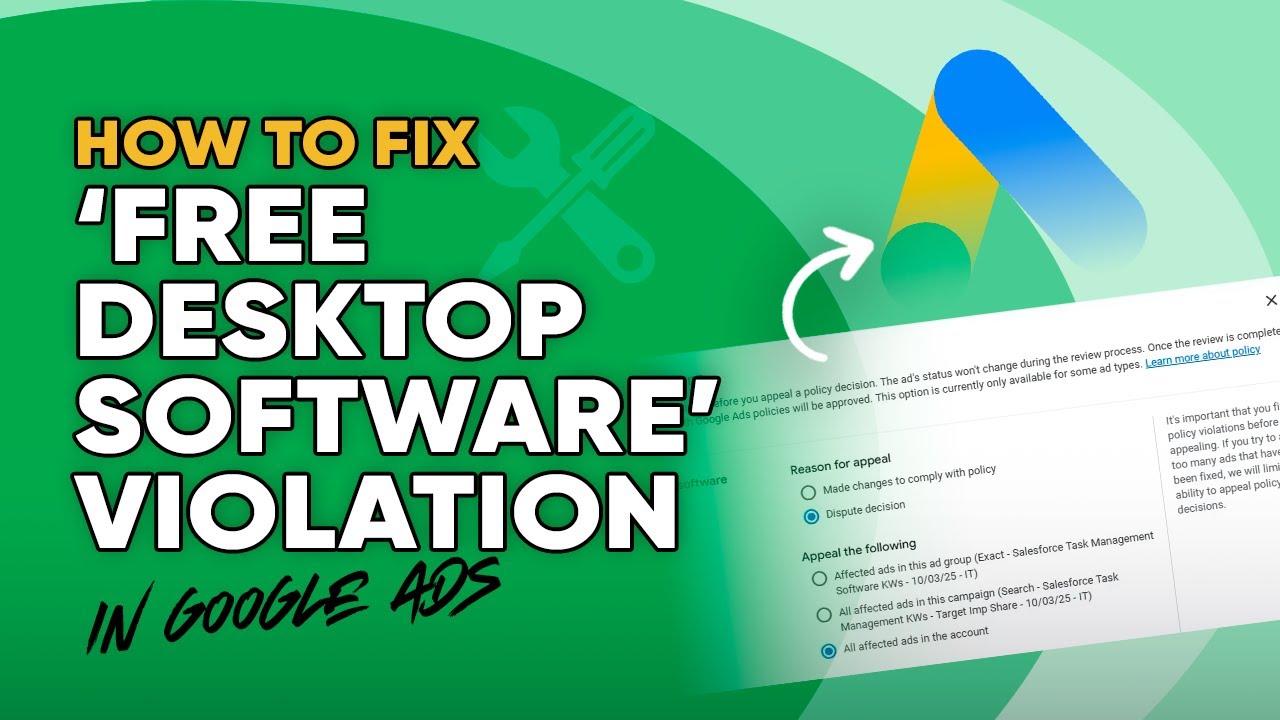
TL;DR: Cole shows how SaaS advertisers can audit, edit, and appeal “free desktop software” violations in Google Ads to get them overturned quickly.
Verdict: WATCH – the video delivers clear, step‑by‑step tactics that most SaaS marketers will be able to apply immediately.
Key Takeaways
- The “free desktop software” policy often misflags cloud‑based SaaS ads that mention “free” (e.g., free demo, free trial).
- Appeal first: use Policy Manager → Appeal/Dispute → confirm you understand the policy; typical review time is 1‑2 business days.
- While the appeal is pending, duplicate the flagged ads in Ads Editor, pause them, and remove any “free” wording from headlines and descriptions (e.g., change “Schedule a free demo” to “Book a demo”).
- If the automated appeal fails, escalate: send screenshots to your Google Ads rep or request a manual appeal via Support, emphasizing that the product is cloud‑based and only the trial/demo is free.
- Include detailed screenshots and a clear explanation; this manual route has a high success rate according to the presenter.
Insights
- Many SaaS companies are unaware that simply tweaking the word “free” can prevent the violation without affecting ad performance.
- A manual appeal framed around “cloud‑based trial vs. free software” coupled with abundant evidence often convinces Google to reverse the decision.
Key Topics
- Google Ads “free desktop software” policy
- Step‑by‑step appeal workflow
- Ad copy adjustments & escalation tactics
Key Moments
0:10 - Explanation of why SaaS ads get flagged as desktop software.
1:05 - Demonstration of duplicating ads and removing “free” wording.
2:00 - Guidance on pursuing a manual appeal if the initial one is denied.
Notable Quotes
“You can actually appeal this and you will often win that appeal.”
Best For
SaaS marketers and advertisers who run Google Ads campaigns and encounter policy violations.
Action Items
- Open Policy Manager, file an appeal for each flagged ad.
- In Ads Editor, duplicate the affected ads, pause them, and edit any “free” language.
- If the appeal is denied, contact your Google rep or submit a manual appeal with screenshots and a clear explanation that the product is cloud‑based and only the trial is free.